Taxes have a significant impact on the price of your products or your shipping costs.
To access it: International > Taxes
Why impose a tax?
There are numerous taxes in the world, and they vary significantly from one country to another, and even within the same country if it has federal states (United States, Germany, Spain, etc.).
Depending on the taxation laws of your country or state, the products you sell are likely to be taxed. It is therefore imperative that you comply with the tax laws that apply to you.
How to create a tax?
A certain number of taxes are already present in your back office according to the language selected during the installation of PrestaShop. These taxes are available from the International > Taxes page.
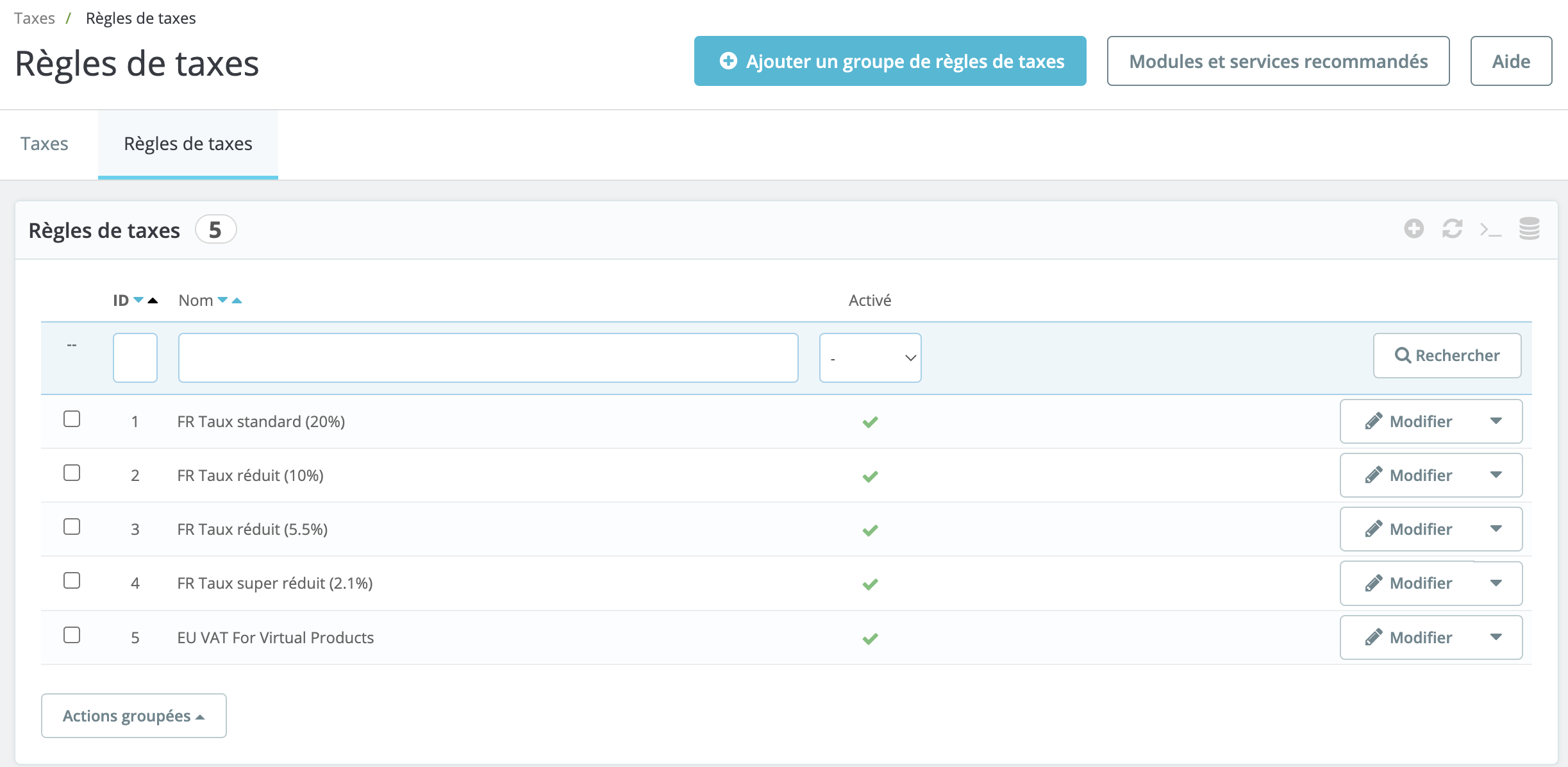
To add a new tax, please click on the "Add a Tax" button, located at the top right of the page.
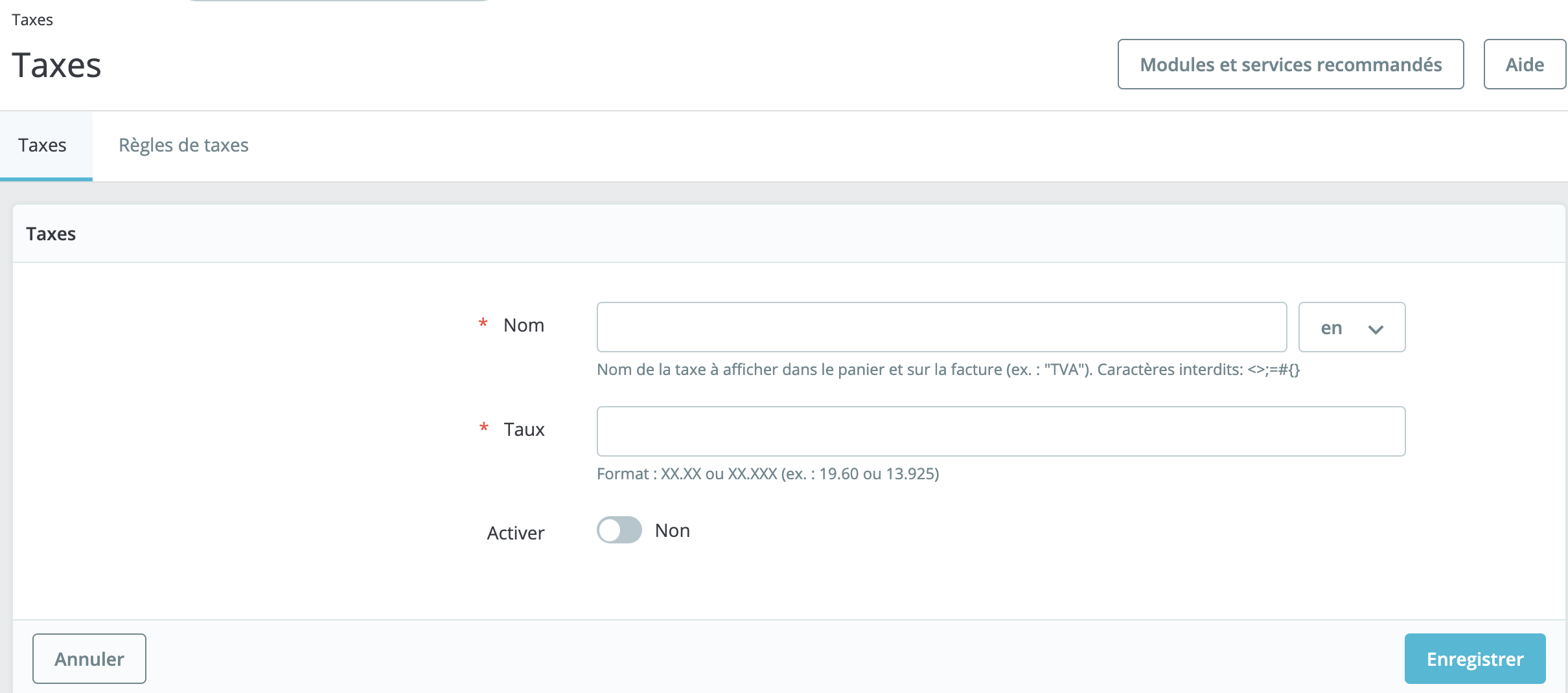
Then fill in the following fields:
- Name the tax rule. For better readability, please indicate the name of the country as well as the percentage to be applied.
- Indicate the percentage to be applied to the net price of the products. You must enter the value in the following format: XX.XX or XX.XXX (for example 20,00 or 20.145).
- Click on the toggle button to enable or disable the tax.