The Clients > Clients page allows access to the list of your client accounts. You may modify them, delete them, or add to them.
As the manager of your store, you can intervene in the various fields of the customer account:
- Title: select one of the available titles of civility or create others in the dedicated tab of the Store Settings > Customers page.
- First name, Last name, Email: this information is essential; it will be used in your communications with the client, and the email address will be necessary for them to log into their client area.
- Password: please enter a password that is at least 5 characters long.
- Date of birth: this information is optional; please provide it only if you intend to use it (for discounts or birthday communications, temporary promotions, etc.).
- Activated: activate this account or leave it inactive for the time being.
- Partner offers: register your client for communications from your partners or not. Attention, you must absolutely have his consent to subscribe him to the offers of your partners!
- Group access: select one of the available groups or create others in the dedicated tab of the Store Settings > Customers page. This may be useful for granting him access to group promotions or applying certain features that are exclusively available to these groups.
- Default customer group: this refers to the main group to which the customer belongs.
Do you not wish to ask for the date of birth when a customer registers on your store? Simply disable this field in the Store Settings > Customers page.
Define the required fields.
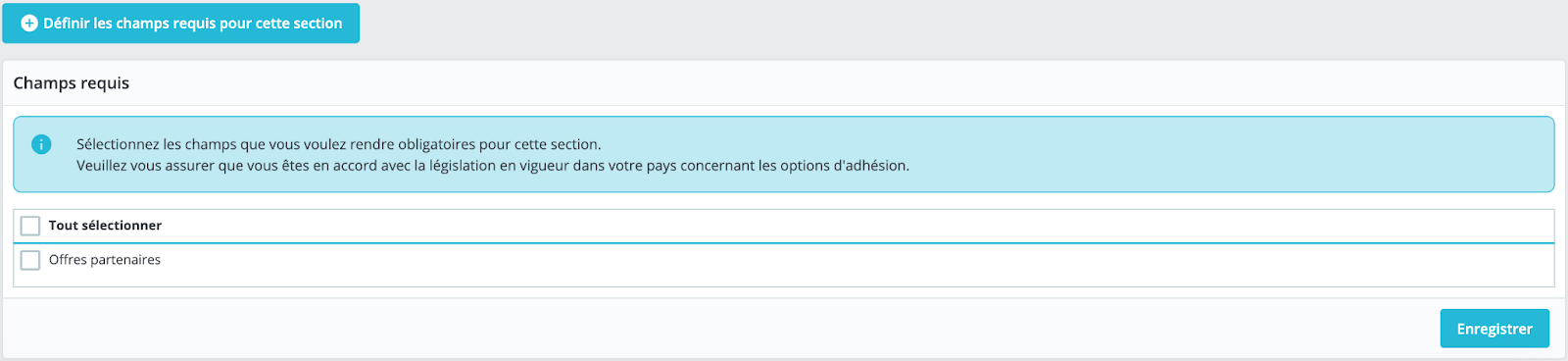
Below the list of clients, a button labeled "Set Required Fields for This Section" opens a form that allows the selection of the required information for client accounts. It is sufficient to check the listed fields to make them mandatory when a customer is created in your store.