The Clients > Addresses page allows access to the list of addresses provided by your clients: home, work, etc. You can modify, delete, or add them.
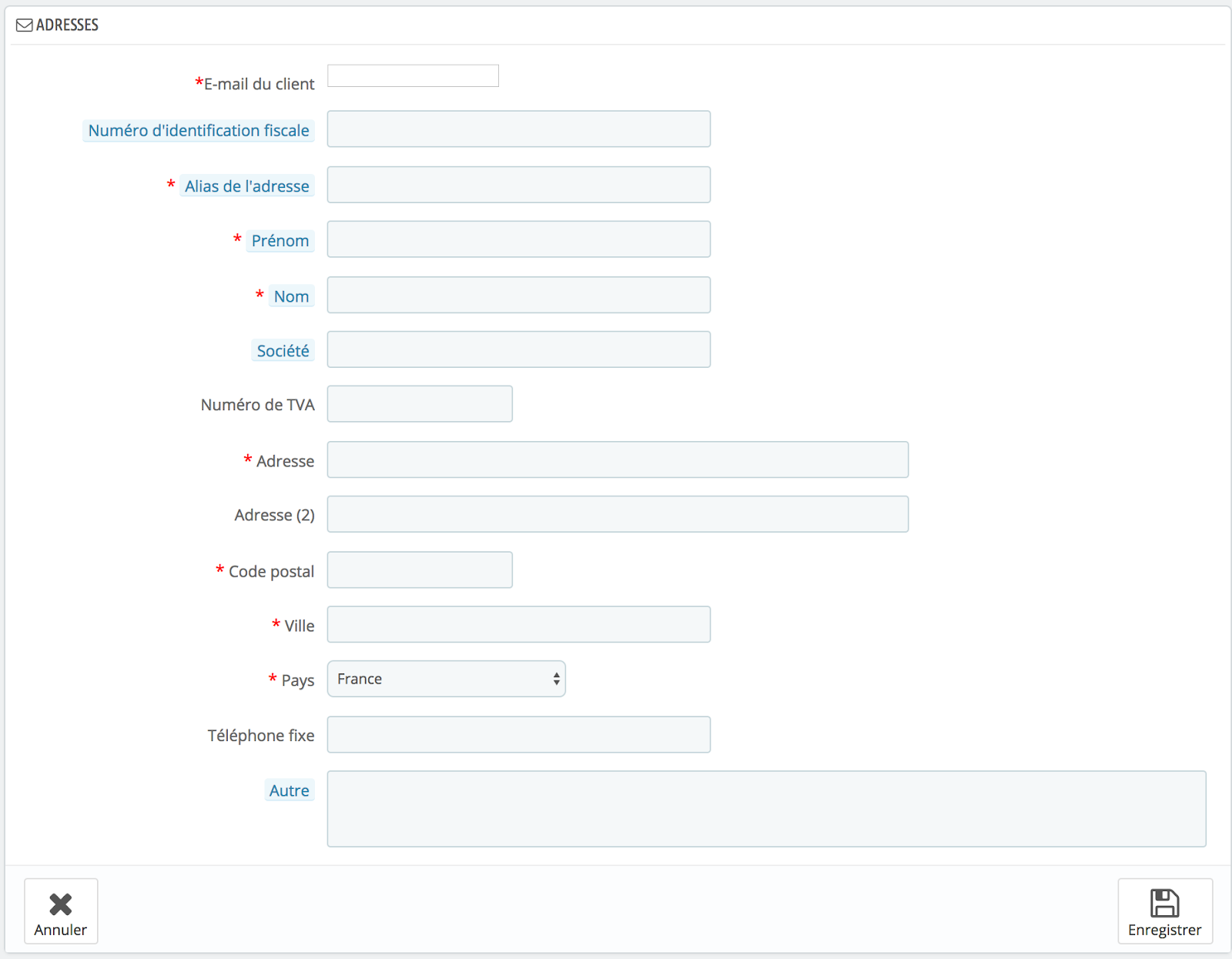
Customer addresses all follow the same format, but certain fields require particular attention:
- Client's email: this field is absolutely necessary to identify the client and associate an address with them.
- Tax identification number: this field is optional, but if you have this information, it allows you to provide an identity number (national identity card or tax identification number).
- Alias of the address: this required field allows for the assignment of an address to a specific location. It is generally used to specify whether it pertains to the "home," the "work," etc.
- Other: this field is not mandatory but may prove useful in the event that additional information needs to be provided for the delivery.
Define the required fields.
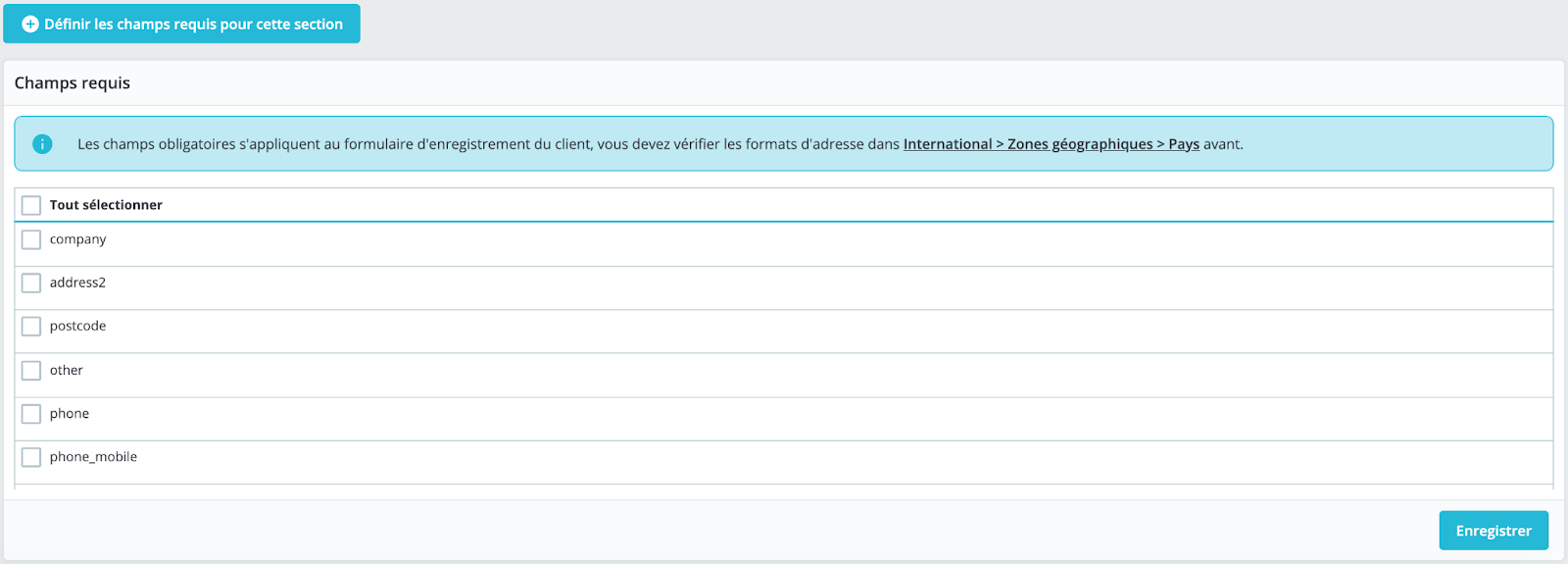
Below the list of addresses, a button labeled "Set Required Fields for This Section" opens a form that allows the selection of the required information for customer addresses. It is sufficient to check the listed fields to make them mandatory when a customer creates a new address in your store.