You have just subscribed to the PrestaShop Hosted offer and have not received your access credentials? We are here to assist you!
When you subscribe to the Hosted offer, you are invited to create a PrestaShop account or to log in with an existing account. The email address and the password you enter at this moment will serve as identifiers for the back office of your future store.
Once you have subscribed to the Hosted offer, you will receive an initial email confirming that your store is indeed in the process of being created.
|
⚠️ The creation of the store may take up to 24 hours in some cases. |
Once the shop is created, you will receive a second email that includes two elements:
- The URL to access your back office.
- The URL of your store
In the event that these emails have not arrived in either your main inbox or your spam folder, we invite you to contact PrestaShop support.
Thanks to the email linked to your Hosted account and the name you chose for your store at registration (for example: abc.mypresta.shop), our teams will verify if the store has indeed been created and will provide you with your access details.
|
💡 By default, the store name you choose is attached to the main PrestaShop domain name. You may choose to replace it with your own custom domain name later. |
How can I contact PrestaShop customer service?
Our teams are reachable:
- Through the contact form
- By telephone at the numbers indicated on the form above.
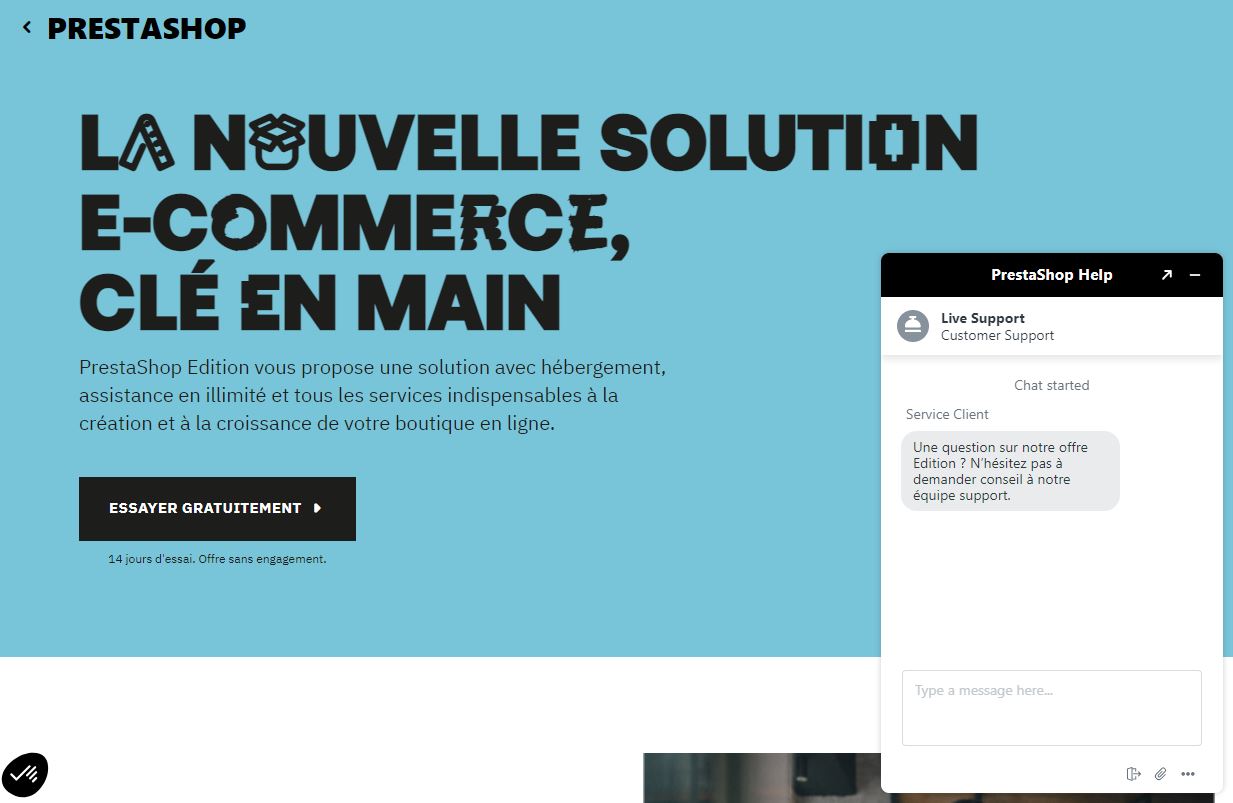
- By chat at the same times from the PrestaShop site, provided that you have accepted the Zendesk cookies, our communication tool for support.
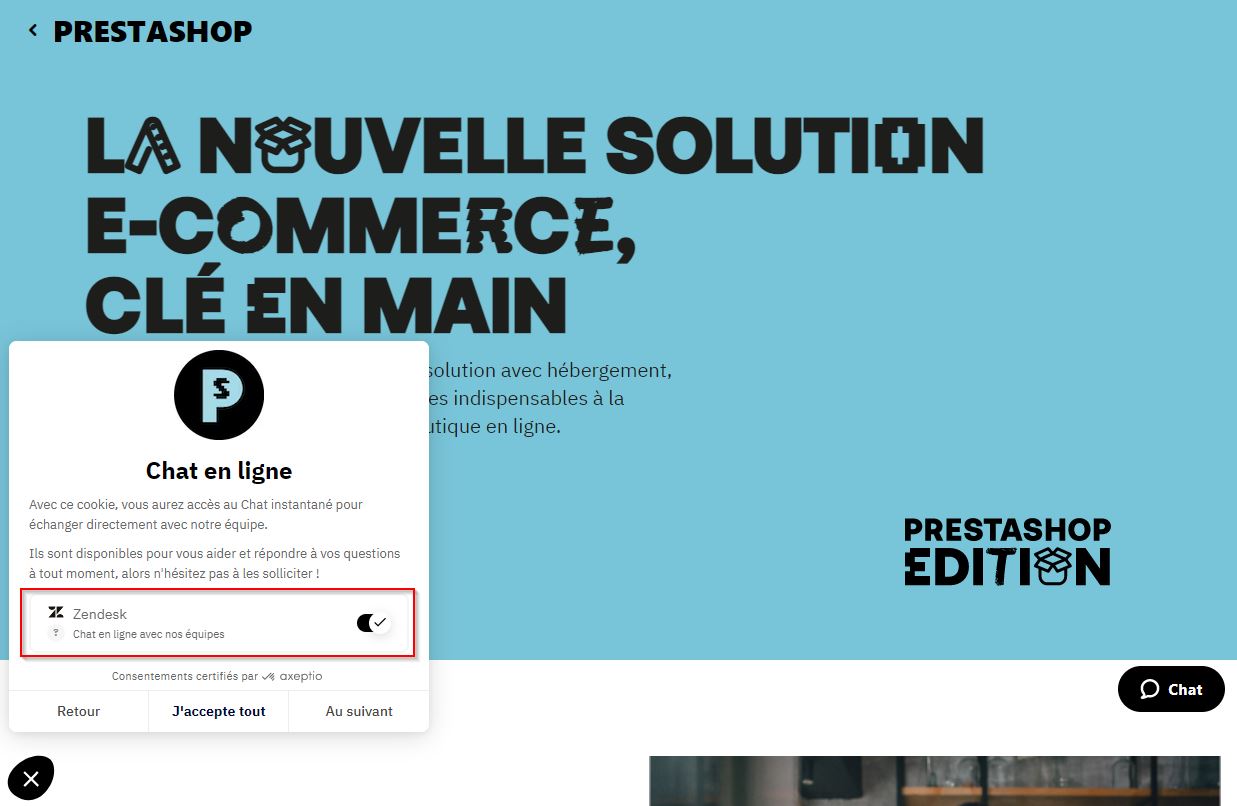
The chat window is then located on the right side of the page.