The daily administration of your store takes place in the back office. This interface and the numerous pages that comprise it will soon hold no secrets for you, particularly with the assistance of the menu displayed on the far left of the page.
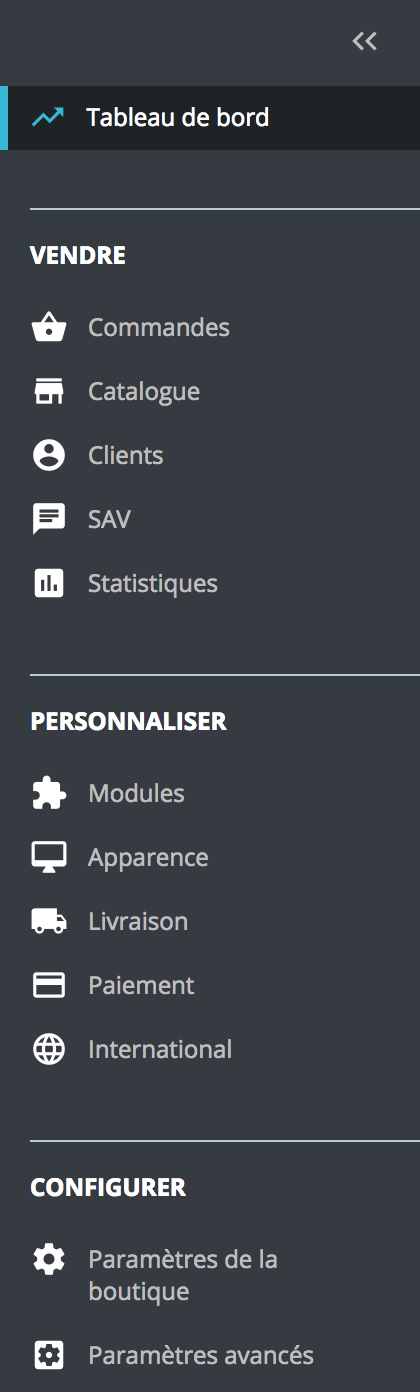
This menu is organized into different sections. It has been designed to place the most useful pages for merchants at the top in order to facilitate daily navigation.
If necessary, the vertical panel can be minimized to display only the icons of each menu entry; simply click on "<<" at the top right of the panel.
Access the dashboard.
This is the homepage of your back office. This is where you will be able to consult, in real time, the main statistics of your e-commerce. Navigating in the 'Sell' section is the heart of your store, where you will be able to access your catalog, manage your orders, consult your customer accounts, etc.
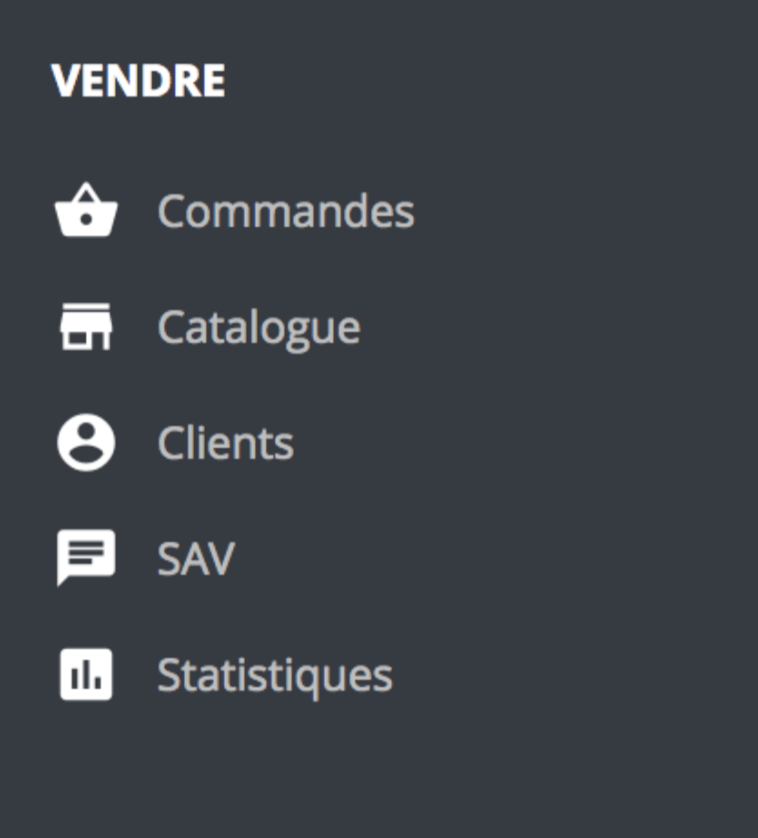
Orders: this menu entry allows access to the orders placed on your site, to consult abandoned carts, to retrieve invoices and/or credits.
Catalog: this entry allows you to manage categories, monitor products, add attributes and/or characteristics, brands and/or suppliers, as well as create promotions.
Clients: this menu entry allows you to consult client information and modify the associated addresses.
After-Sales Service (SAV): this entry allows you to manage your customer service to track exchanges with clients, contact requests, or product returns.
Statistics: this menu entry provides access to the statistics of your store.
Navigate to the 'Customize' section.
This is the space where you can further configure your store: access modules, set the design of the site, as well as manage carriers, payment methods, etc.
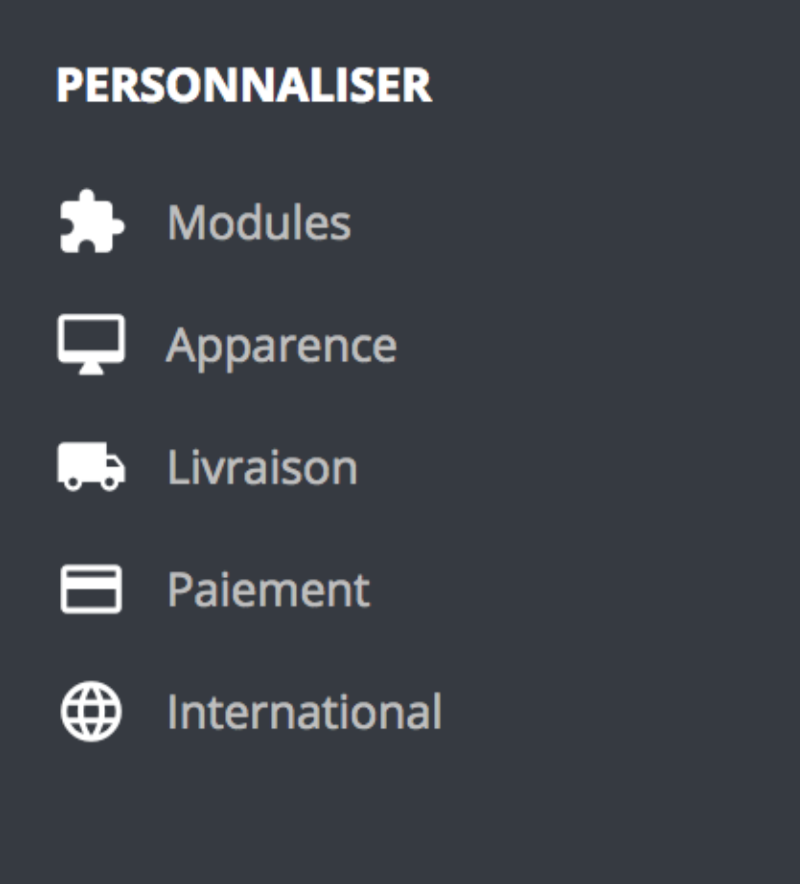
Modules: this entry allows you to search for, install or uninstall, configure, activate or deactivate the modules.
Appearance: this menu entry allows you to configure the overall design of your store using the theme, images, content pages, or even emails.
Delivery: this entry allows access to the management of the shipping of your products (carriers, shipping costs, etc.).
Payment: this menu entry allows you to select the available payment methods for your clients.
International: this entry allows you to configure the location of your site, such as the available languages, currencies, geographical areas, taxes, and translations.
Navigate to the 'Configure' section.
This is where the general settings are adjusted once the store is installed; these are the initial configurations of the site. This section also contains the advanced settings, which group all the technical configurations of the site.
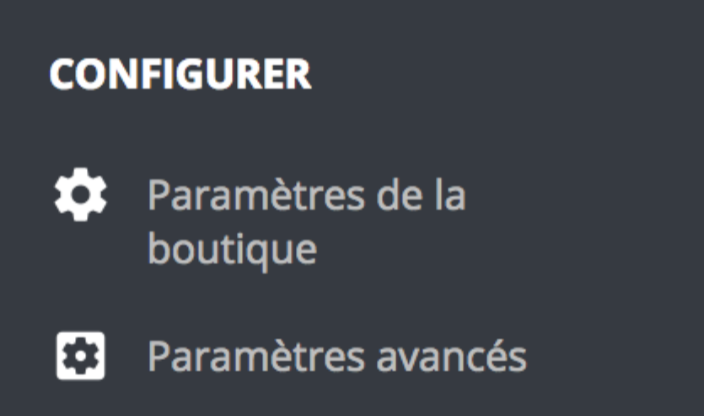
Store settings: this menu entry allows you to make the initial adjustments to your site, such as defining the search, traffic, order, or product settings.
Advanced settings: this entry allows you to configure specific features such as web service settings, site performance, database backup, or the access rights of your employees.
These 13 entries constitute the default menu. Certain modules may add new entries or additional options to certain pages.