Temporarily disabling your products can be very useful in the event of an update to your store or a renewal of your catalog.
To access it: Catalogue > Products
You can activate or deactivate a product directly from your product list, using the toggle button in the "Status" column.
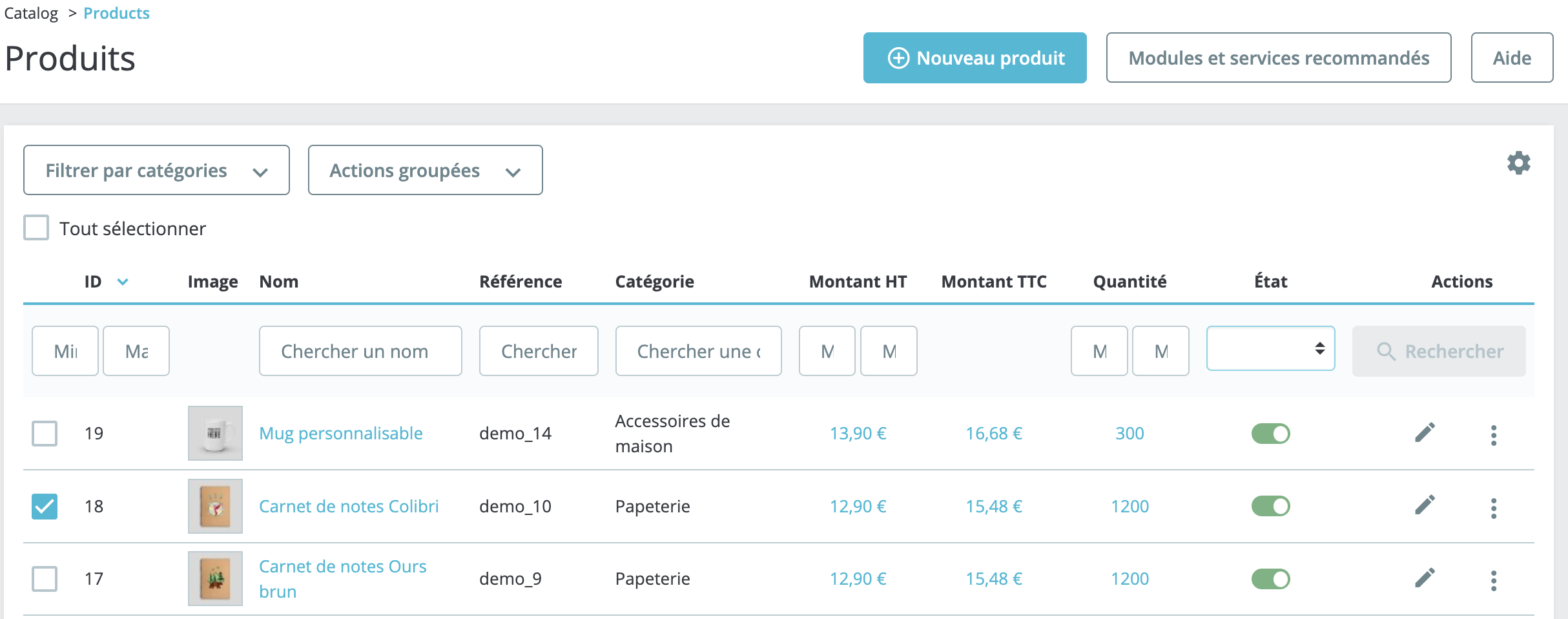
If the button is green, your product is activated and visible in your store. Click on this green button to deactivate it. The button will turn gray.
To reactivate a product, you simply need to click this button again. He will return to green, and your product will be visible to your customers.
How to conduct a search in your catalog?
If you have created products but are unable to see them in the back office, you may utilize the category search for assistance.
On the Catalogue > Products page, click on the "Filter by categories" button at the top left and select the category of your choice.
| 💡 You can also use your product list to search for a product by ID, name, reference, or category. |