PrestaShop allows you to add information about your suppliers to enhance your search engine optimization. Discover how to proceed!
To access it: Catalog > Brands & Suppliers
What does a supplier produce?
A supplier is a company that provides products. In other words, your supplier is the company that supplies you with products. Therefore, if you sell your own products, you are also the supplier.
You may have one or more suppliers. In the event that you sell your own products, you must create at least one supplier for your company.
Why add all your product suppliers?
Adding this information facilitates your customers' navigation on your site. This information will also help improve your positioning in search engines.
How can one obtain the list of all products related to a supplier?
Once your suppliers are registered, to obtain the list of all products associated with a supplier, click on the name of a supplier or their logo on the Catalog > Products page of the back office.
If no products are linked to this supplier, you must associate them by working product by product, from the Catalog > Products page, by going to each product sheet to provide the supplier information in the 'Options' tab.
How to add a product supplier?
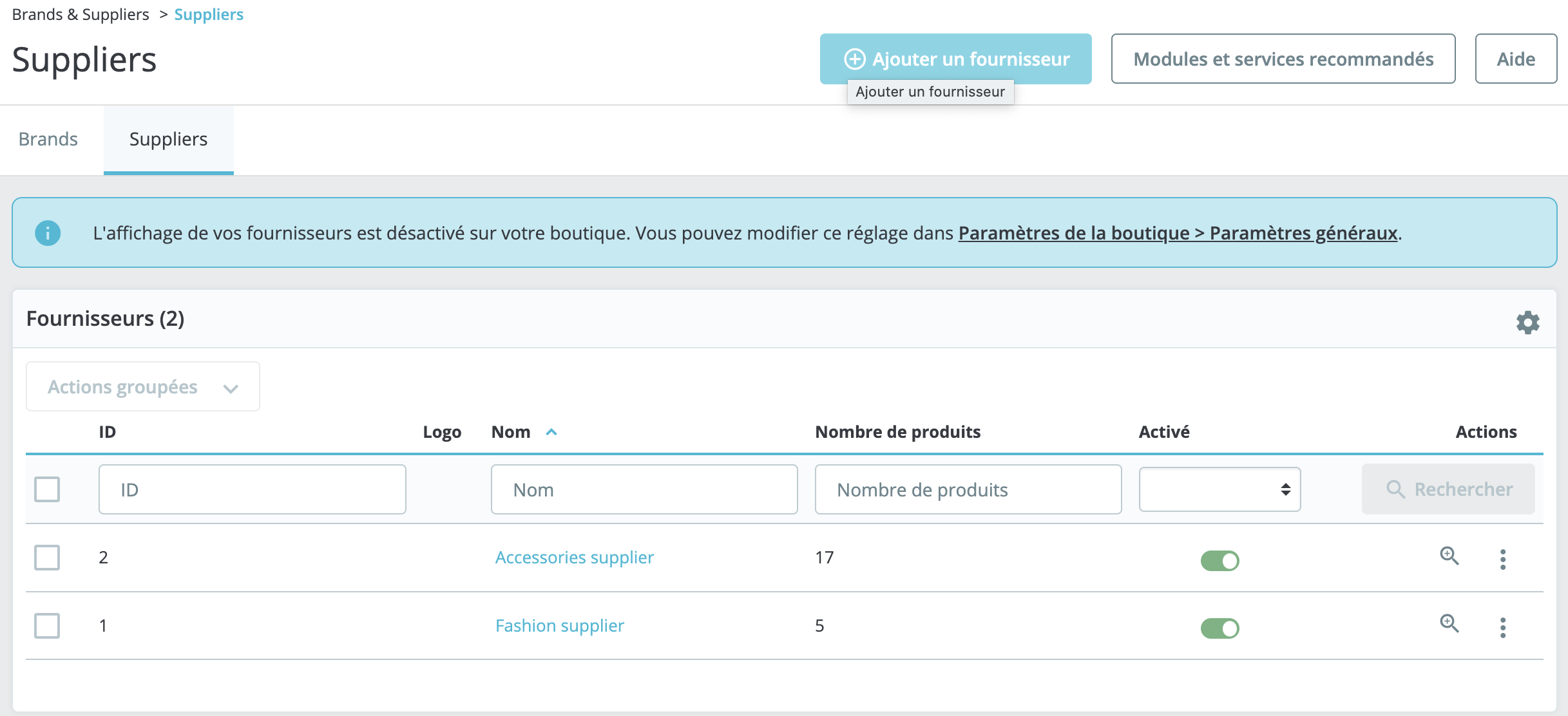
The creation of a product supplier is very similar to the creation of a product brand. In the administration panel, click on "Add a supplier" to open the creation form:
- Add the name of your supplier.
- Add a description. You can do this for each of the languages of your store.
- Fill in the supplier's contact information: address, phone number, and country.
- Provide your supplier's identification card number. This field is optional.
- Insert your supplier's logo.
- Fill in the SEO fields (title tag, meta description, meta keywords) with as many keywords as possible to optimize your search engine ranking.
- Activate your supplier to make them visible to your customers.
- Click on "Save" to publish it online.
How to fill in the SEO fields?
The SEO fields allow for the optimization of your store's search engine ranking.
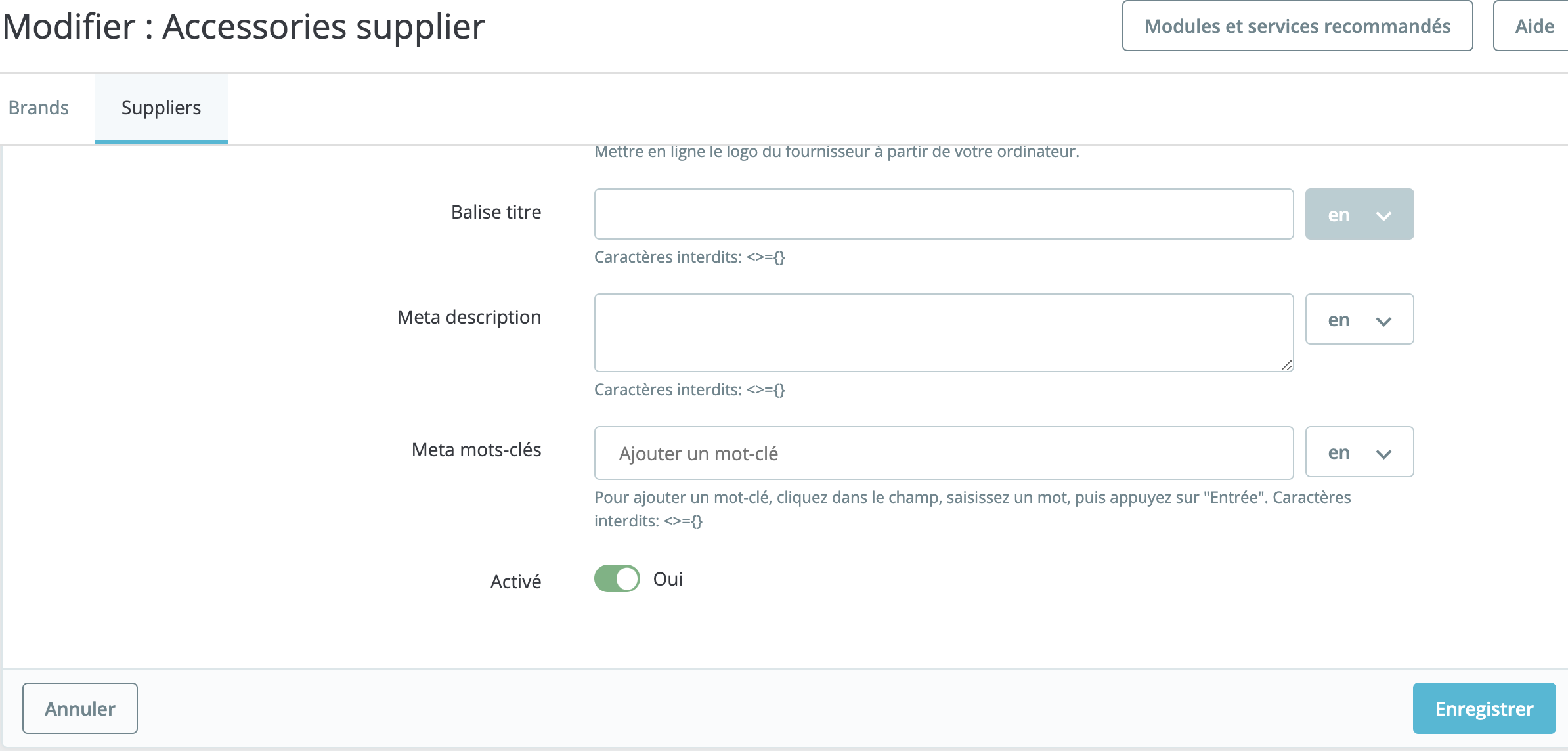
- Title tag, or meta title: this title will appear in search engines when displaying your link in their search results.
- Meta description: a presentation of your supplier in just a few lines, intended to capture the interest of a client. It will appear in the search results.
- Meta keywords : keywords must be defined for your store to be indexed by search engines. You may enter several, separated by commas, or use phrases that must be enclosed in quotation marks.
How to deactivate a supplier?
You can deactivate a supplier, even temporarily, to remove it from the list of suppliers in your store.
Click on the toggle button to deactivate the supplier. You can click on it again to reactivate it.
You may also modify and/or delete the supplier by clicking on the corresponding buttons to the right of the row in the table displaying all suppliers.