PrestaShop offers you the possibility to associate a supplier with a product.
To access it: Catalogue > Products
Why attach a product sheet to a supplier?
If most customers are little interested in the suppliers of your products, preferring to have information about the brands, informing your suppliers can greatly assist you in managing your PrestaShop store.
Indeed, based on the suppliers provided in advance, you can sort products and manage your inventory more easily.
How to attach a product sheet to a supplier?
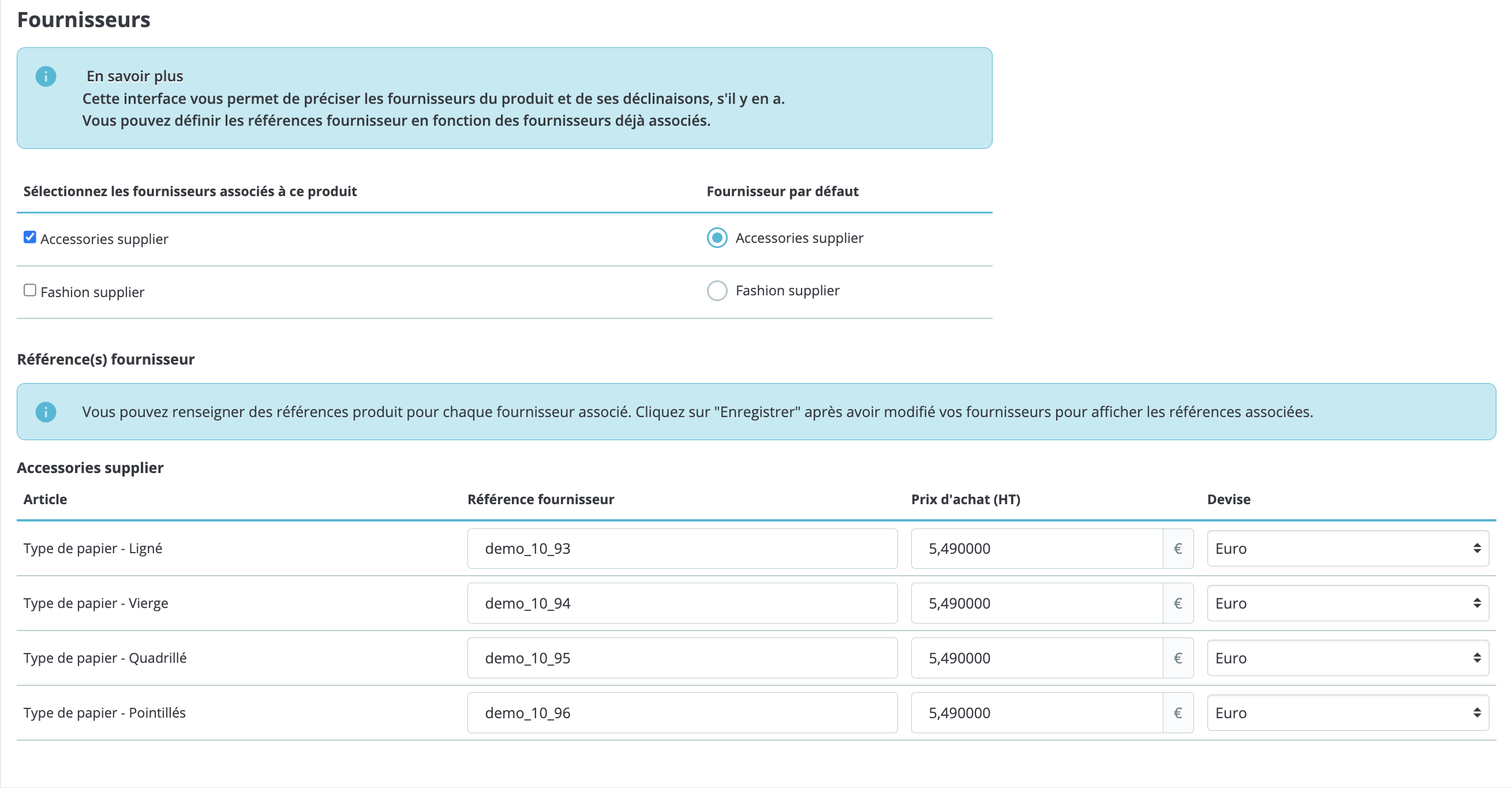
In your product sheet, click on the "Options" tab. The area dedicated to suppliers is at the bottom of the screen. You will find there the list of suppliers that you have previously provided.
| ⚠️ To use this feature, you must have already registered at least one supplier in your store. |
- Check the box corresponding to the supplier.
- Save your changes.