|
⚠️ Important note: This article addresses the older versions of the PrestaShop Account module (v7 and below). A new version of our PrestaShop Account module (v8) now incorporates a new automatic verification mechanism that can resolve association issues and disconnections. Please ensure to use the PrestaShop Account module starting from version 8. |
You are attempting to link your store to your PrestaShop account, but the association fails and you receive an error message stating "SSL certificate cannot be verified."
The cause of the error is as follows: the intermediate certificate is not sent in the response.
Check the validity of your certificate by visiting the following website: https://www.ssllabs.com/ssltest/index.html
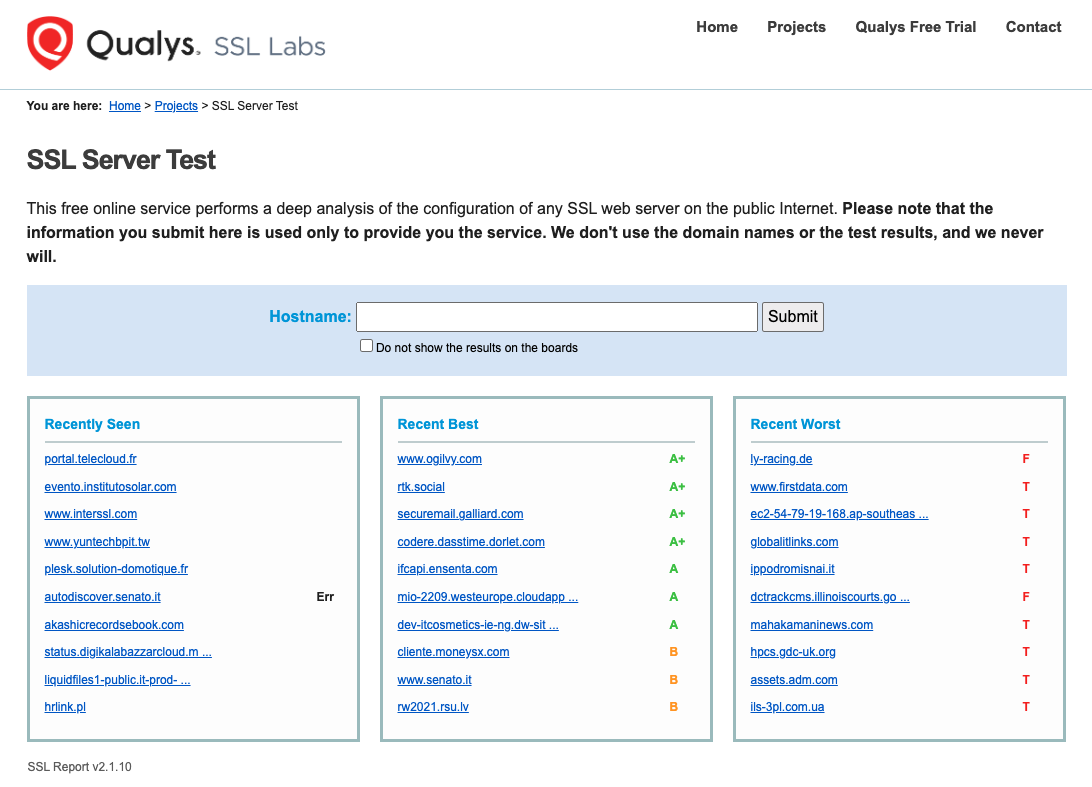
Enter your domain name in the designated field and click on "Submit."
In the event that your certificate is not valid (see the screen below), please contact your hosting provider to obtain a valid certificate.
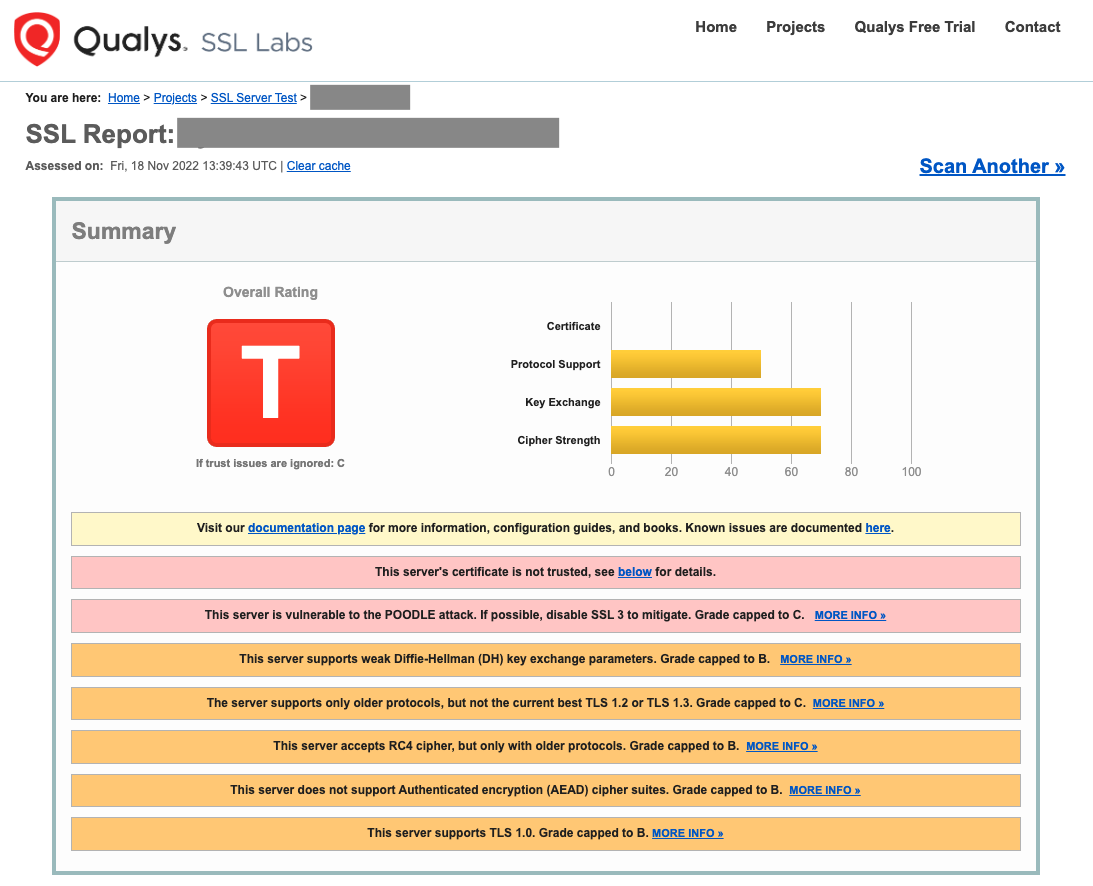
Note: If you have control over the generation of the certificate, we invite you to visit the Let's Encrypt website to resolve the issue yourself.
If your certificate is valid, you will receive the following result.
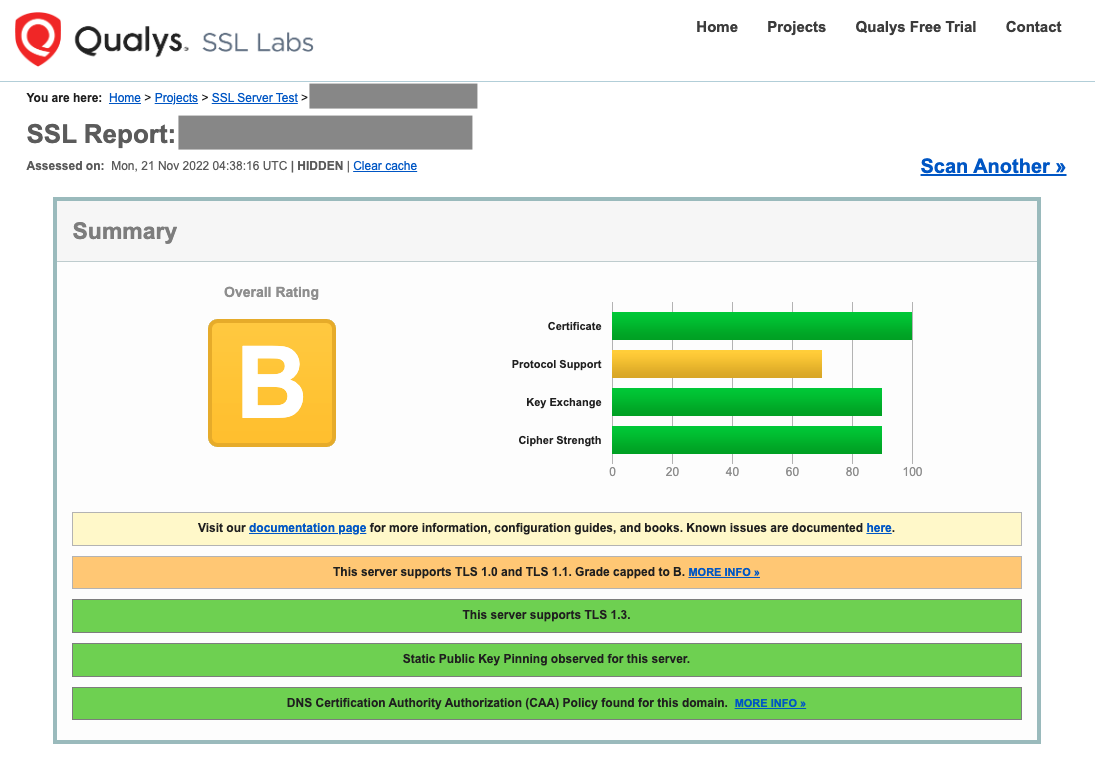
In this case, please contact us so that our teams can analyze the source of the problem.
Please note: This operation is not available for Hosted shops; kindly contact support if you encounter any difficulties.