|
⚠️ Important note: This article addresses the older versions of the PrestaShop Account module (v7 and below). A new version of our PrestaShop Account module (v8) now incorporates a new automatic verification mechanism that can resolve association issues and disconnections. Therefore, please ensure to use the PrestaShop Account module starting from its version 8. |
You are attempting to link your store to your PrestaShop account, but the association fails and you receive an error message stating "Permission denied."
Cloudflare
If you are using Cloudflare, the cause of the error is likely due to a configuration present on Cloudflare.
Note: For more information regarding rule management on Cloudflare, please refer to the following article https://developers.cloudflare.com/waf/security-events/.
In Cloudflare, please consult the activity log.
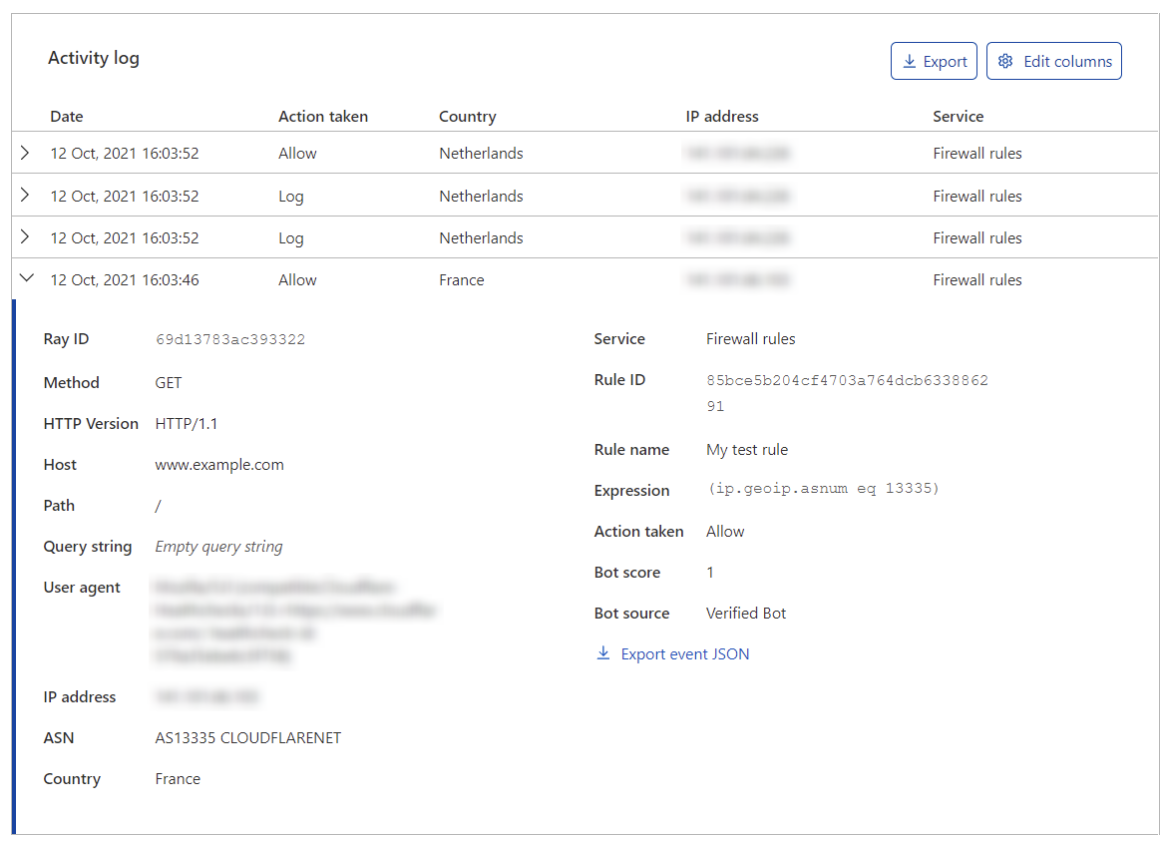
You should have an action with the status "Block" at the time you attempted to associate your store with your PrestaShop account.
The URL of the blocked request should resemble the following, where it <store_domain_name>corresponds to the domain name of your store:</store_domain_name>
https:///?&module=ps_accounts&fc=module&controller=apiV1ShopUrl
Once you have authorized this request, please attempt to link your store again.
If the error persists or if you are not using Cloudflare, please contact us via this form.
Please note: This operation is not available for Hosted shops; kindly contact support if you encounter any difficulties.